

College life is a constant balancing act. Between back-to-back classes, last-minute assignments, part-time work, and a social life, it’s easy to feel overwhelmed. Fortunately, your phone and laptop don’t need to be a distraction — they can be one of your most powerful study partners. That’s why many students rely on study apps. The right tools help you organize courses, learn faster, and save valuable study time.
Ten years ago, online studying meant a few basic flashcard websites. Today, apps handle everything from AI quizzes to distraction-blocking timers. The challenge isn’t finding an app. It’s choosing the right combination without getting bogged down by clutter. This guide sorts the top study apps into clear categories. Instead of downloading dozens of apps you’ll rarely open, you can build a simple, effective system.
Why Does the Right Study App Stack Matters?
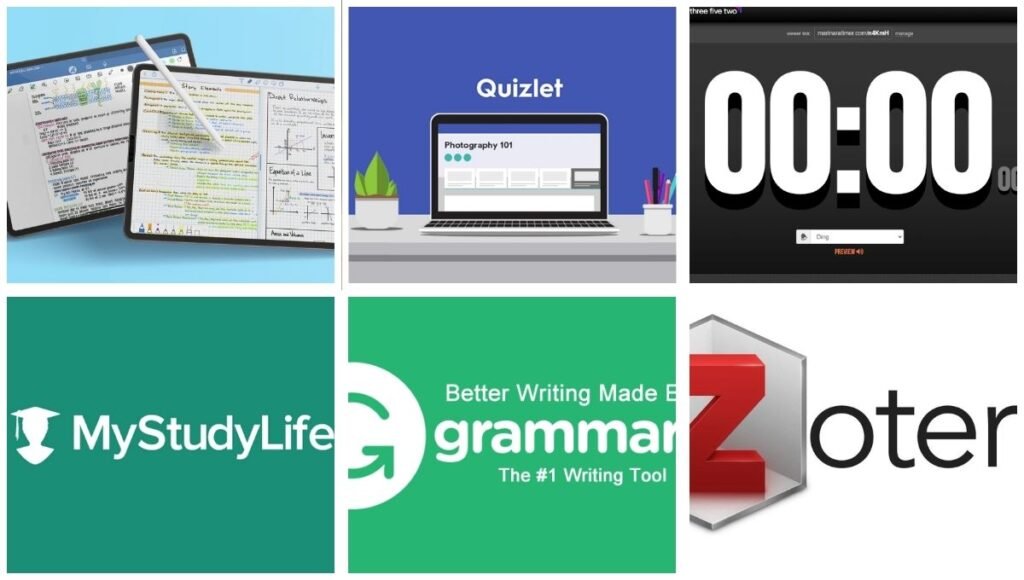
It’s important to understand the significance of app choice before making individual picks. It is always productive to have a new tool to learn every week, but it is rarely productive to learn interfaces. Consistency is key. Students who stick to a few reliable apps all semester get far better results than those switching tools every month.
This guide highlights the best apps across five categories. Pick one from each to build a study workflow tailored to your needs.
1. Flashcard and Active Recall Apps
One of the best ways to remember information for an exam is to test yourself on it, not read it again. Flashcard apps are here to help.
- Quizlet is popular on campus for its massive library of pre-made flashcards. Instead of starting from scratch, you can often find pre-built decks for your specific course or textbook. Beyond flashcards, Quizlet offers interactive games and practice tests to make studying less tedious
- Anki is the preferred study app for students in majors such as pre-med, nursing, and foreign languages, where memorization is a key component of the curriculum. It employs spaced repetition, a method that presents a card just before you’re about to forget it, and is supported by decades of memory research. It is more difficult to learn than Quizlet, but if you want to remember it for an entire semester, it can’t be beat.
- StudyStack is another flashcard-and-game site, but it’s organized by subject, and has word scrambles and matching games built on top of the flashcards — a good choice if you’re looking for some extra variety in the way you study the same material.
2. Note-Taking Apps
Good notes are the basis of good studying, and this is one of the areas where the best study apps for college students actually vary depending on the device and habits of the student.
- GoodNotes is a popular app for students who use a tablet to take notes. Make individual notebooks for each class, annotate PDFs and slides directly, highlight important sections and sync all across devices. It’s also used by many students as a digital planner with downloadable templates.
- Evernote is a bit more different, it’s not a handwriting notebook, but it’s a place to research, take notes, and clip web pages. Whether you’re taking notes, reading online, or taking screenshots, Evernote makes it easy to search across all your notes.
- For students who prefer a completely free application, without any real restrictions, Microsoft OneNote is worth mentioning. It allows you to take typed and handwritten notes, record audio that is synced with your notes, and store unlimited notes, so it’s a reliable option if you’re not ready to shell out any money just yet.
3. Focus and Productivity Apps
The best notes and flashcards in the world won’t do the trick if you can’t go through a study session without checking your phone every five minutes. That’s where focus-oriented apps come into play as one of the best study apps for college students.
- Forest gamifies focus: Set a timer, and a virtual tree grows for as long as you’re not on your phone. Remove the app early, the tree will die. It seems like a no-brainer, but it’s enough to keep a lot of students honest during study blocks.
- Marinara Timer is based on the Pomodoro technique (25 minutes of concentrated work, then 5 minutes of relaxation) and allows you to set the intervals and alarm sounds to your own preferences. Most people find it easier to study for long periods of time than for short periods of time.
- If you need more than willpower, Cold Turkey blocks distracting sites and apps at the system level, meaning it’s a lot harder to “just check one notification” during a study block.
4. Organization and Planning Apps
One half of the college battle is just knowing what and when it is due. Planning tools are always among the top study apps for college students because they help students avoid the last minute scramble that can ruin even the best study skills.
- Designed with students in mind, My Study Life allows you to log rotating class schedules, upcoming assignments, and exams, and reminds you of them across devices, even offline.
- Todoist is a more generic task manager that is suitable for dividing up big projects into smaller, manageable steps. Shared projects are also helpful for group assignments, as all members can view the project in real time.
- Google Calendar is also worth a mention — it’s free, syncs everywhere, and is great for time-blocking specific study sessions (“Biology: Chapters 5-7, 4-5 p.m. “) instead of general reminders to “study more.
5. Writing, Research, and Design Apps
Learning isn’t just about memorization — much of what you do in college is writing papers, creating presentations, and citing sources properly.
- As you type, Grammarly reviews your grammar, spelling, tone, and clarity, and provides explanations for why it is suggesting a change; this way you learn from your mistakes instead of just being told to fix them.
- With its drag-and-drop templates, Canva has emerged as a must-have tool for creating professional presentations, posters, and infographics, even if you’re not a designer.
- As soon as you begin to write longer research papers or a thesis, you need Zotero. It stores sources with complete citation information and can create a bibliography in any style your professor asks for — a time-saver over manually formatting citations.
How to Build Your Own Study App Stack
There are many good choices, and you may want to install all of them. Resist that urge. The best way is to select one app for each category:
- One flashcard or active-recall app.
- One note-taking app
- One focus/productivity tool
- One planner or calendar to keep.
- One writing or research aid (may be required for your major)
Stick to that little stack for an entire semester, then add more. The point of all the best study apps for college students is not to gather tools, but to create a habit that you will follow. The best app is the one you use regularly, and if you don’t, it doesn’t help.
Free vs. Paid: What’s Worth Paying For
The apps listed above all have a free version that meets the needs of most students (Google Calendar, OneNote, Todoist basic, Anki desktop/Android is free with no real restrictions). The free version is always a good option to use for at least a semester before upgrading.
If you choose to pay, check for student discounts first, as many apps have lower rates (or free premium versions) for students with an .edu email address. There are a couple of main reasons to upgrade at some point: to eliminate ads, to unlock cross-device sync, or to get additional storage space for a note-taking app when your class notes start to accumulate.
Final Thoughts
There is no single “perfect” app that will revolutionize your study habits in an instant, but a combination of the right apps can really save you hours of cramming and help you retain more information. Try one tool from each of these lists of the best study apps for college students, and see how it works in the real world before adding to the mix. A simple system that you use every day will always be better than a complicated system that you only use for a week.
Also Read: Anurag University: Eligibility, Fees, Courses, Admission, Placements & Reviews