
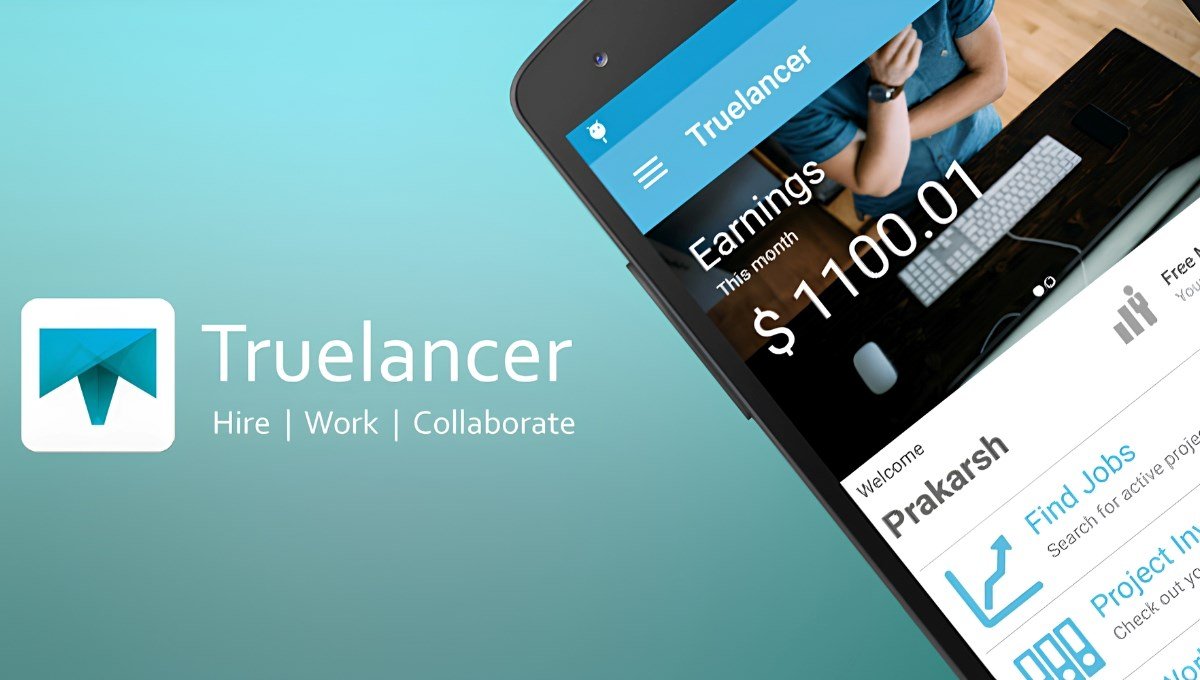
Truelancer is an online freelance platform that allows independent professionals to connect with businesses and entrepreneurs, or individuals requiring skilled professionals. This provides an opportunity for freelancers to find work, demonstrate expert knowledge, and provide their professional services whilst earning. The platform offers a variety of services, including content writing, graphic design, website building, digital marketing, programming, data entry, and virtual assistance. Businesses can use the platform to find experienced professionals for short-or long-term work. Features such as freelancer profiles, projects, communication, and payments make this an online marketplace for those looking to work independently or find skilled professionals.
What is Truelancer?

Truelancer is an online global freelance platform that allows clients and independent professionals to connect for a variety of projects. This gives freelancers the opportunity to find work, make a proposal, and communicate with clients. This platform acts as a middleman between businesses and freelancers. Clients can post the requirements of their project, what budget they have, and invite professionals to apply. Freelancers can view the projects available and make a proposal for them. Depending on their skills and experience, they can decide on how much to charge.
Professionals can set up their own service offering. This means they can promote their specific services. For example, content writers can offer SEO blog writing or graphic designers can offer logo design packages. This platform offers a range of different professions, making it useful for those new to freelancing, experienced freelancers, students, and businesses. There is also a payment management system known as ‘Safe Deposit’.
Unlike typical employment sites, this platform mainly focuses on independent work. Freelancers aren’t required to be employed permanently by the businesses they work with.
Key Features of Truelancer
There are a number of features offered by this site to make freelancing easier.
Freelance Jobs
This provides an online marketplace for freelancers. Users can find projects based on their skills and profession. This could include writing, programming, marketing, design, data entry, etc. Users can view the details of the project and see what the client is looking for. They can then make a proposal.
Professional Freelancer Profiles
Users can set up professional profiles. Freelancers can include details about their experience, qualifications, skills, and previous work. Freelancers can include examples from their portfolio, what services they offer, and what they’ve achieved professionally. This helps clients to assess their abilities.
Payment Management (Safe Deposit)
The Safe Deposit feature helps protect both clients and freelancers financially. Clients can deposit a set amount of money for the project via the platform. The payment will be managed using the site’s policies for releasing, approving, and disputes. This can help reduce uncertainty when it comes to payments.
Communication (Workstream)
Clients and freelancers can communicate using the Workstream feature. This means they can discuss requirements, send documents, update each other, and keep track of their project communications. All communications will be done via the platform, so important conversations can be tracked.
Range of Freelance Professions
There are many different professions available on this site. Those with different skills can find the right opportunities. Content writing, graphic design, website building, mobile app building, SEO, digital marketing, programming, translating, video editing, data entry, and virtual assistance are just some of the professions available.
Service Offering
Freelancers can set up their own services. This means they can demonstrate their expertise. Instead of applying for projects, professionals can set up specific services. They can include details about what they offer, how much they charge, and what they expect to deliver. For example, an SEO specialist can offer optimising websites or content writers can offer blog writing packages.
Verification
This platform offers verification options. Users can complete the verification process by providing the correct identification or documents. Having a verified profile may give clients more confidence but there is no guarantee they will be chosen for the project.
Global Freelance Opportunities
This platform connects professionals and businesses from around the world. Freelancers can find global opportunities to work from home. This can help build their professional experience and potentially earn from global projects.
How to Use Truelancer: Step-by-Step Guide
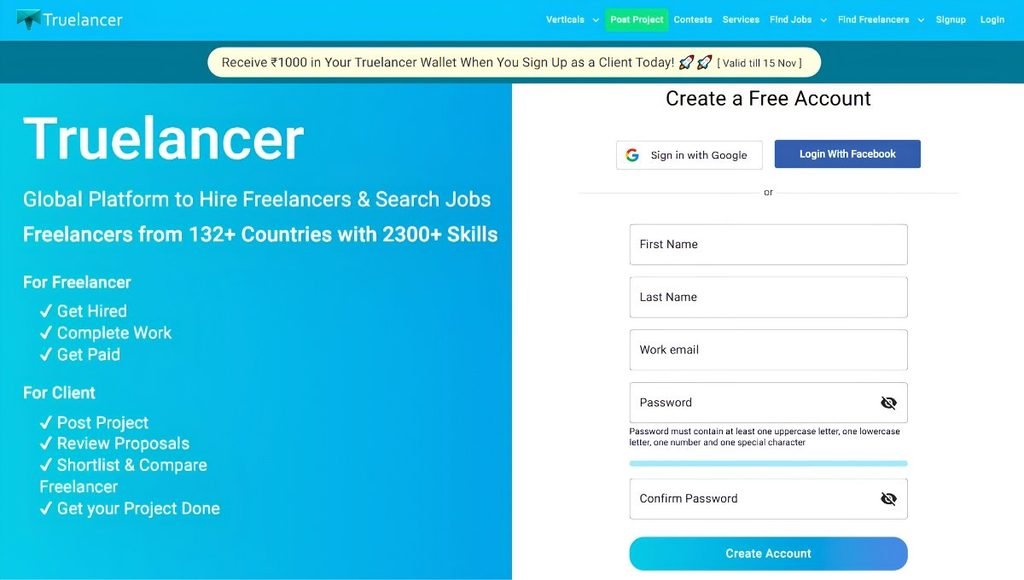
Starting to use Truelancer is easy. You can just sign up as a freelancer or client as needed.
- Step 1: Go to the Official Website. Navigate to the Truelancer website and take a look around to see what different types of freelancing services are on offer.
- Step 2: Sign Up. Click on the ‘‘Sign Up’’ or ‘Register’ button. Fill in any required information such as your name, email, and password.
- Step 3: Set Up Your Profile. Once you’ve created your account, add some professional information. Add your skills, qualifications, experience, portfolio, and a brief overview of what you offer.
- Step 4: Browse Projects. Go to the project page and browse different projects that match your skills. Search for relevant keywords so you can find the right work.
- Step 5: Send Your Proposal. Find a relevant project and send them a professional proposal.
- Step 6: Talk to Clients. If they’re interested in your proposal, then talk to them about the project requirements. Use Workstream to communicate with the client and make sure to clarify what they expect from you.
- Step 7: Complete the Project. Once you’ve confirmed the project details and any payments, start working on the project. Keep in contact with the client and provide updates. Complete the project within the agreed time frame.
- Step 8: Get Paid. Once the client has approved the completed project, you can get paid based on Truelancer’s payment system. Once you’ve been paid, it will go into your wallet on the site.
- Step 9: Build Your Reputation. Once you’ve completed projects, make sure to keep clients happy and gain positive reviews. If you have a good portfolio, successful projects, and professional communication, this can help you gain more clients.
Truelancer Costs & Subscription Plans
Truelancer offers a free sign-up and subscription plans. They charge for, proposals, services and withdrawals/payments.
Truelancer Membership Plans
| Plan | Monthly Price | Annual Price | Service Fee | Bidding Limit | Proposals/Month | Portfolio Slots | Service Listings |
| Free | $0 | $0 | 10% | $100 | 10 | 10 | 5 |
| Basic | $8 | $100 | 10% | $500 | 25 | 25 | 15 |
| Pro | $12 | $150 | 8% | $3,000 | 50 | 80 | 20 |
| Plus | $41 | $500 | 8% | Unlimited | 100 | 100 | 25 |
The platform charges a 10% service fee on Free and Basic plans, and 8% on Pro and Plus plans.
Who should use Truelancer?

Truelancer can be beneficial to individuals and businesses.
- Students: Students wanting to gain some real-world experience and earn some money can look at freelance projects. They can offer services such as content writing, data entry, graphic design, programming, and social media management.
- Freelancers: Truelancer can help independent professionals find clients, build up their portfolios, and find project based work. Whether you’re new to freelancing or have lots of experience, you can look at projects based on your expertise.
- Content Writers/Bloggers: Content writers can look at projects requiring SEO content, content for websites, blogs, product descriptions, and copywriting. Bloggers can offer their writing skills to businesses and digital marketing agencies.
- Graphic Designers: Graphic designers can look at projects requiring logos, branding, social media graphics, illustrations, banners, and marketing. They can also offer packages of services to attract potential clients.
- Developers/Programmers: Developers can look at projects requiring website development, mobile apps, software development, databases, and programming. Those with experience with Python, JavaScript, PHP, and other technologies can look at relevant projects.
- Small Businesses/Startups: Small businesses can use Truelancer to hire independent professionals. They can outsource website development, digital marketing, content creation, and design.
- Entrepreneurs: Those who require specialist services can connect with freelancers based on their business needs. This can help them gain professional skills whilst keeping project costs.
Pros and Cons
Truelancer has many benefits, but it’s important to know the drawbacks before signing up or paying for a subscription.
| Pros | Cons |
| Free account registration | High competition for projects |
| Multiple freelancing categories | Paid membership options |
| International client opportunities | Platform service fees |
| Safe Deposit payment feature | Limited free proposals |
| Workstream communication | Some projects offer low budgets |
| Freelancer profiles and portfolios | Beginners may struggle to get their first project |
| Service-selling opportunities | Withdrawal conditions may vary |
Is Truelancer Safe to Use?
Truelancer is a well-known freelancing platform that allows you to complete transactions with clients by providing you with features like Safe Deposit, Workstream, and payment options. You will also be able to find its terms and conditions, payment policies, and membership details.
Even though it’s a well-known platform, this does not mean that all clients and freelancers are reliable. Always look at their profiles, previous reviews, and payment policies. As a freelancer, avoid clients that ask for free work (beyond sample work) and unrealistic earning amounts. As a client, look at their portfolio and experience.
Make sure to keep important conversations with your project in Workstream, know how the Safe Deposit works, and what to do if there are any issues. Avoid giving out your password and financial details. Also, make sure to read the membership renewal and cancellation policies.
Overall, Truelancer is a great tool to help with freelancing transactions; however, you need to follow some basic online safety rules to keep yourself safe from scams and payment issues.
Conclusion
Truelancer is an online freelancing platform that connects independent professionals to businesses, startups, entrepreneurs, and individuals who are looking for specialist services. There are lots of opportunities across various categories such as content writing, graphic design, programming, web development, digital marketing, and data entry. This is a useful tool as it provides you with freelancer profiles, project listings, selling services, Workstream, and Safe Deposit.
This can be very useful for students, beginners, and professionals who want to try out remote work. Businesses can also use it to hire talented freelancers. However, there are some things to consider, such as competition, membership fees, service fees, and payment policies. Overall, if you want to get into freelancing, gain professional experience, or hire independent workers online, then Truelancer is definitely worth looking into.
FAQs
A1. Truelancer can be used to find freelance jobs, hire independent professionals, sell your services, and manage project-based work.
A2. Yes, you can create a free account. However, there may be some costs involved with premium memberships, extra proposal credits, and some services.
A3. Yes, they can apply for the right projects and offer their services. However, how much they earn depends on their skill, proposals, portfolio, and how well they can attract clients.
A4. Once your project has been approved, you will receive payment according to the payment policies. This will go into your wallet. You can request to withdraw your money using the supported payment methods.
A5. Yes, it is a well-known freelancing platform. However, you should always make sure you check your clients, know the payment policies, and follow online safety policies when accepting projects.
Also Read: Wellfound: Features, Jobs, Login, Pricing, Reviews and Complete Guide (2026)